If you run a small business, a shiny new firewall box in the office can feel like progress. It sits there with blinking lights and the reassuring promise of “protection.” Here is the uncomfortable truth. For most SMBs in 2025, that box is the wrong bet. A DNS firewall, paired with strong endpoint and identity controls, delivers safer outcomes with far less friction and far better value.
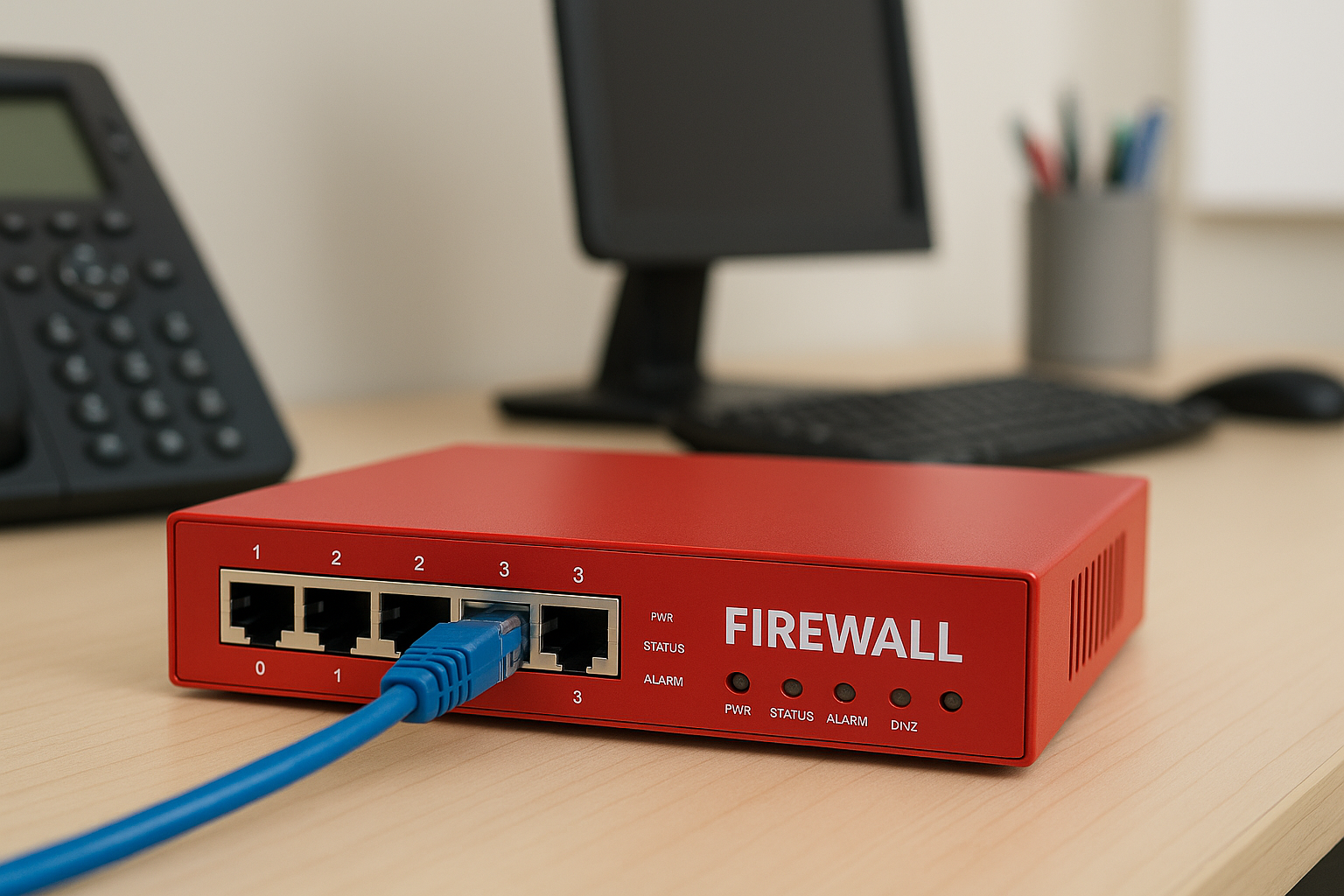
First, what is a Firewall and how is a DNS Firewall different?
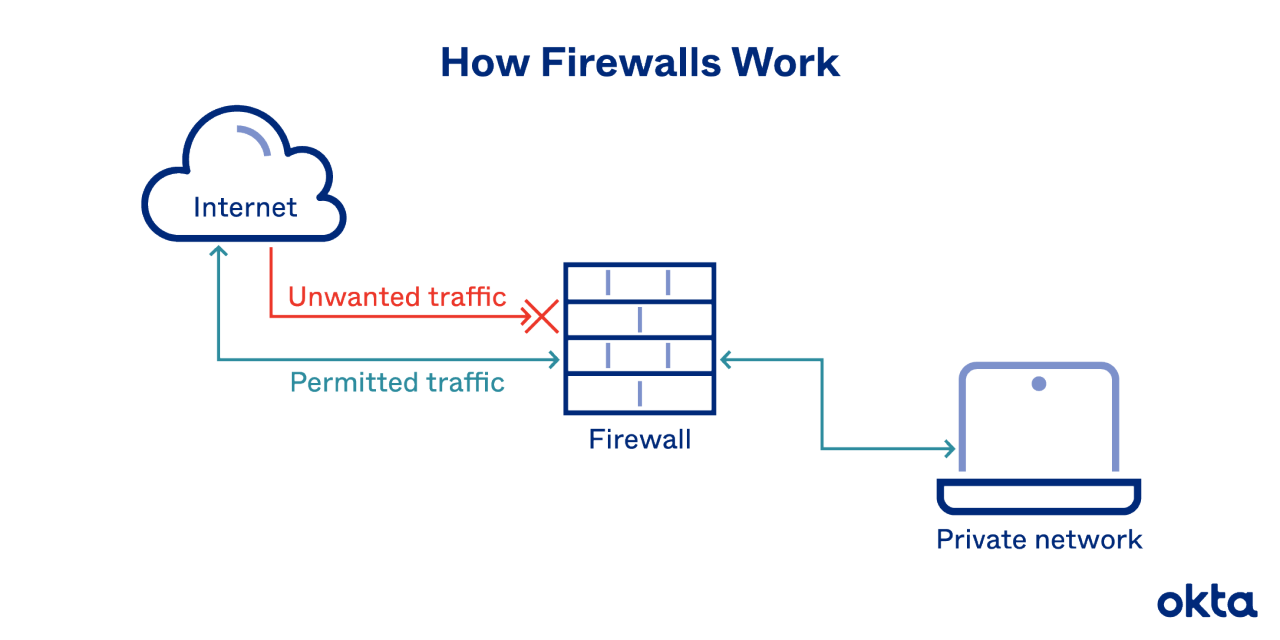
A traditional hardware firewall sits at the edge of your network and inspects all incoming and outgoing data, deciding what to allow or block based on complex rules. Because it processes every packet, it requires careful setup, regular maintenance, and can slow down network traffic—and if the device fails or misconfigurations occur, it can block the entire company from accessing the internet.
In contrast, a DNS firewall works at the level of domain lookups, blocking malicious links before any connection is made. It does not inspect or process all data, so it stays fast, lightweight, and extremely easy to deploy—often just by changing DNS settings or installing a small agent. Despite its simplicity, a DNS firewall is highly effective at stopping phishing links, malware sites, and command-and-control domains without the operational complexity of a hardware firewall.
1) Hardware firewalls demand care you will not consistently give
A modern firewall is not a smoke detector. It needs frequent updates, rule hygiene, log reviews, certificate care, and the occasional firmware dance that brings down the office at 7 p.m. on a Wednesday. That rhythm is fine for a full-time network team. It is unrealistic for a five-to-fifty person company where the “IT department” is one overworked generalist or an external vendor who drops by once a month.
DNS firewalls flip that equation. There is no on-prem box to babysit. Protection is delivered as a cloud service. Policies are managed centrally in a browser. The burden shifts from hands-on device maintenance to light-touch policy administration. In other words, you trade a high-maintenance control for a low-maintenance control that still blocks the nasties you see most often. For SMBs, that operational simplicity is not a luxury. It is the difference between a control that actually works and a control that quietly decays.
2) Hardware firewalls do not match how your people actually work
Traditional firewall thinking assumes your staff sit behind the office perimeter and tunnel back in with a VPN. That is not your reality. Your team lives in Google Workspace or Microsoft 365, shares files in chat apps, joins video calls from home, and answers emails on personal phones. Many dislike the friction of a VPN and do not use it unless required.
A DNS firewall follows the person rather than the place. Whether a risky link arrives by email, WhatsApp, a QR code, or a browser search, the protection travels with the user and applies on any network, including home Wi-Fi and coffee shop hotspots. That is a better match for remote and hybrid work. When protection aligns with daily habits, it gets used. When it depends on staff remembering to switch on a VPN, it often does not.
3) DNS firewalls blocks the biggest real-world threat: malicious destinations
Most successful attacks against small businesses do not start with James-Bond-level intrusions. They begin with social engineering and a malicious destination. Click the fake invoice. Reset your password on a look-alike site. Authorise a dodgy app that steals your mail. These attacks all rely on a device reaching out to a domain that should never resolve.
A DNS firewall cuts that journey at the first step. If the domain is known to be malicious or newly registered in a suspicious way, it never resolves and the connection fails. You break the kill chain before anything downloads or executes. Is a hardware firewall “more capable” at deep packet inspection? Possibly, and that matters in specialised environments. For the majority of day-to-day threats an SMB actually encounters, stopping the destination is both fast and effective.
4) Fewer network devices means a smaller attack surface and fewer outages
Here is the irony. The hardware you buy to protect yourself can become your weakest link. Attackers love internet-facing infrastructure that is rarely patched on time. Routers, firewalls, and VPN concentrators are routinely targeted because a single flaw can compromise an entire network. If that device fails or a firmware update goes wrong, the whole office grinds to a halt.
Moving protection to DNS reduces this risk. You remove a highly targeted on-prem appliance from your stack. You also reduce the chance that SSL inspection on an undersized box will break modern apps or cause mysterious slowness. The result is a smaller attack surface and a happier helpdesk. Your team notices when Zoom stutters or the CRM times out. They do not notice when a malicious domain quietly fails to resolve. In security, invisible and reliable is a win.
5) Better economics and a better user experience
Small businesses do not just need security. They need security that fits the budget and does not slow anyone down. Hardware firewalls carry two costs. There is the visible line item for the box and its annual subscription. Then there is the invisible cost of time spent tuning rules, chasing certificate issues, troubleshooting broken websites, and scheduling disruptive updates.
A DNS firewall shifts you to a predictable subscription that scales by user or device, with almost no local maintenance. Because decisions happen at the domain layer, performance hits are minimal and breakage is rare. Staff do not lodge tickets about slow browsing or blocked mobile apps. Finance does not complain about surprise upgrade cycles. Executives do not wonder why the office internet went down during a firmware push. You get fewer headaches and a cleaner TCO story without compromising on the protection that matters most to you.
As a simple cost comparison for a company of 15 staff:
- A traditional hardware firewall + VPN start at S$1500 for the hardware, with added annual software (VPN) and maintenance support costs (usually about S800/year)
- A next-gen hardware firewall + VPN will cost about S$2500 for hardware, with the same added costs.
- A DNS firewall has no hardware cost, and maintenance is included in the service. It will cost about S$450/year (if you get it separately)
- StrongKeep customers are able to access a bundled EDR (sophisticated AI-based anti-malware protection for the device) and the DNS firewall at just S$5/month/device, which lowers the overall cost of adding DNS firewall protection to your company.
DNS Firewalls are for SMBs, not Enterprise needs
DNS control is not network segmentation, and it does not see everything. Two practical gaps follow from that.
- First, segmentation. If you have on-prem servers, point-of-sale devices, CCTV, or operational technology that should never talk to each other, a DNS firewall will not create those walls for you. You still need to separate traffic with simple VLANs, SD-WAN, or a virtual or cloud firewall in front of sensitive services. Without segmentation, a compromised device can move laterally more easily.
- Second, visibility and bypass. Some applications hard-code DNS, use encrypted DNS to public resolvers, or talk directly to IP addresses over protocols that a DNS layer cannot observe. This is not a deal breaker, but it is a reason to pair DNS filtering with modern endpoint protection. The endpoint can watch outbound connections, stop malicious processes, and quarantine a host if something slips through. If you operate in a regulated environment that specifies a boundary appliance, you may need to meet that requirement with a cloud-managed or virtual option rather than a physical box.
Conclusion: spend where it changes outcomes
Security that only works on paper does not serve a small business. A hardware firewall looks serious, but it asks for constant care, sits in the wrong place for a remote workforce, and often becomes another problem to manage. A DNS firewall meets the moment. It blocks the destinations that fuel the majority of incidents, follows your people wherever they work, shrinks your attack surface, and replaces operational toil with a simple policy.
If you run specialised workloads, host sensitive on-prem systems, or must satisfy a control that truly requires a boundary device, make that investment with eyes open and keep the ruleset tight. For everyone else, skip the box. Put your money into DNS filtering, strong endpoints, and identity controls that keep your team safe without getting in their way. You will not just save on hardware. You will save on stress, downtime, and the everyday friction that makes people look for shortcuts. That is what practical cyber for small businesses should feel like.
At StrongKeep, we have built cybersecurity that makes sense for smaller businesses, that is simpler to use, effectively keeps you secure, and is way more affordable than the enterprise stuff that other vendors are pushing on to you. Keep yourself secure (on a budget), with StrongKeep.